
Customer Portal
Give signed-in customers a private place to manage their next steps.

Customer account
Give signed-in customers one Customer Portal to check what is next.
They can review appointments, requests, bids, documents, timeline updates, and Customer Account settings without seeing another customer's information.
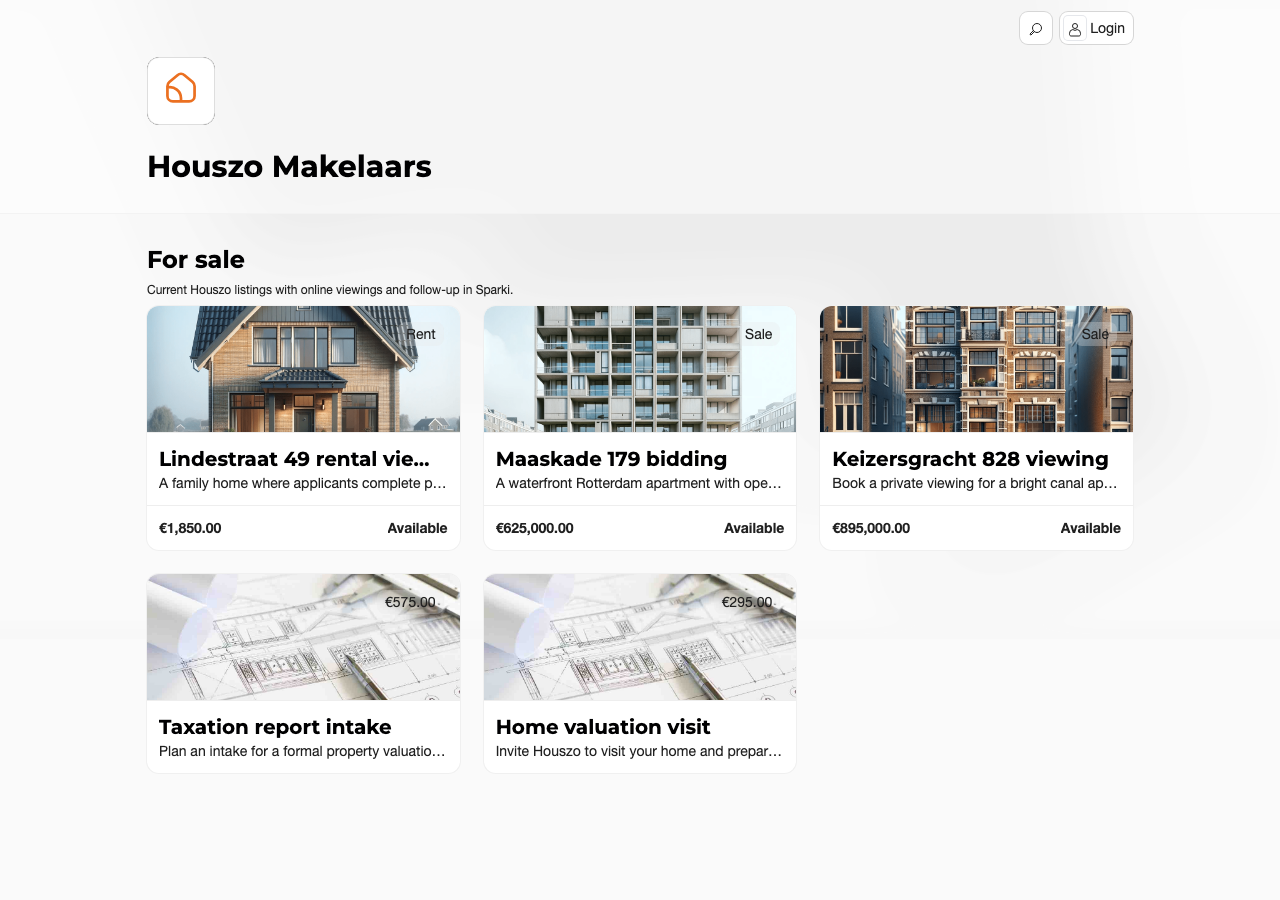
For a step-by-step walkthrough of the same screens from the customer's perspective — public portal browsing, booking, magic-link sign-in, the Customer Portal, and Customer Account settings — see How to use the Customer Portal.
When Customers Use It
Customers reach the Customer Portal from a magic link, an appointment confirmation email, a request invite, or a project action that requires sign-in. After sign-in, Sparki opens the customer's private portal instead of a public project page.
Use the Customer Portal when the customer needs to return later, review history, upload a requested file, edit an open bid, cancel an open request, or request deletion of their personal data.
What Customers Can Manage
 Appointments
Let customers check bookings, respond to invitations, and handle changes without another email thread.
 Requests
Keep open requests visible, from waiting-list entries to document tasks and other follow-up actions.
 Offers
Give bidders a clear place to review open bids, edits, status, and offer details.
 Documents
Keep shared files and requested uploads together, with clear status for the customer and team.
Timeline and Follow-up
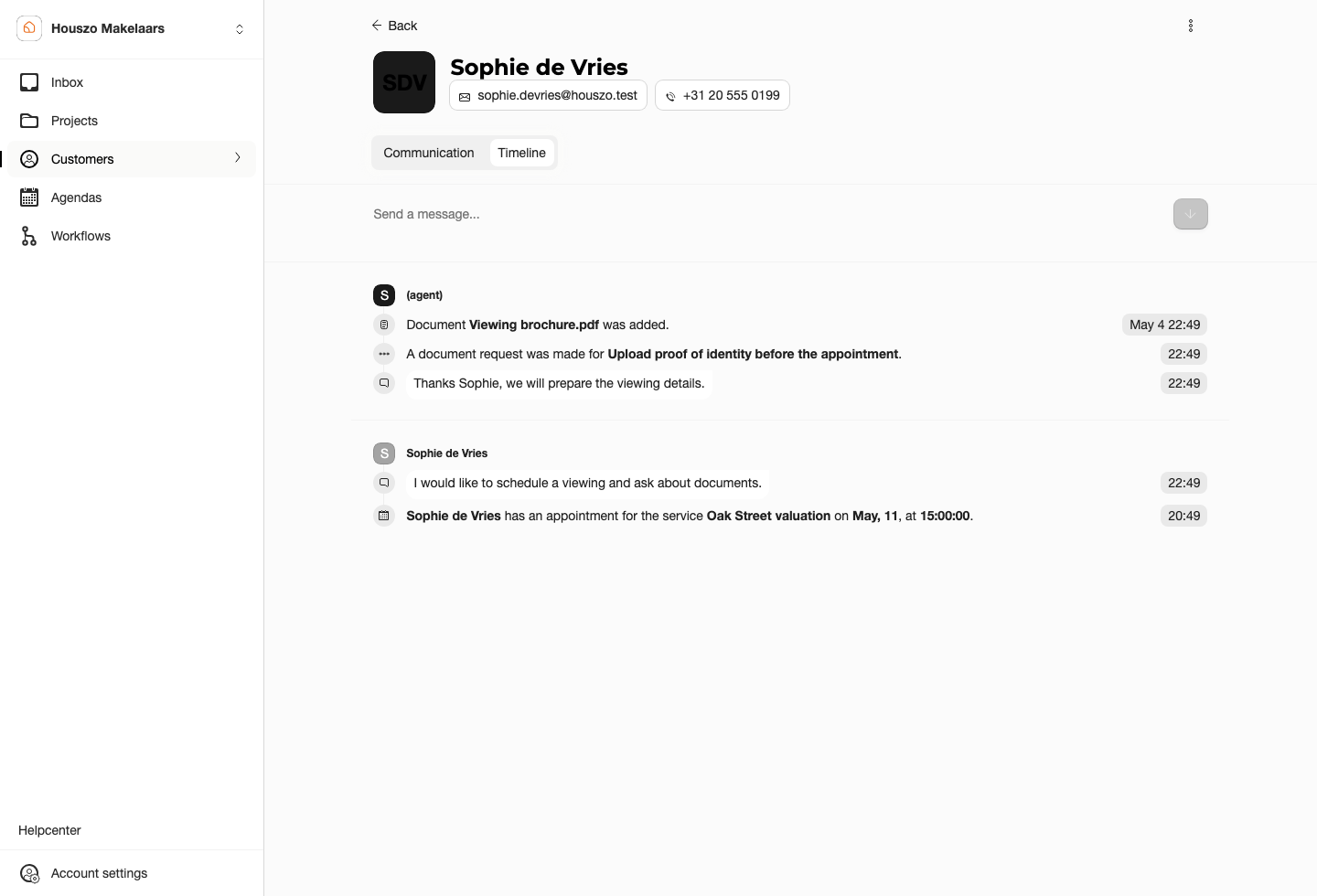
The customer timeline groups the history your team sees in the dashboard: messages, appointments, requests, offers, documents, and workflow answers. Use the timeline when a customer asks what happened before or when your team needs context before replying.
Privacy Expectations
A signed-in customer should only see documents and records that belong to that customer account or are intentionally exposed through a project. Sharing a copied document link, guessing an ID, or reopening an old URL should not give access to another customer's files.
Deletion requests appear as customer requests so the team can review and process the request according to the company's retention and legal process.