Roles & Permissions
Understand admin access, member roles, disabled actions, and role-specific workflows.

Team access
Roles decide what a member can change while keeping the dashboard structure familiar.
Unavailable controls should remain visible but disabled, unless showing the action would reveal sensitive information.
Main Role Areas
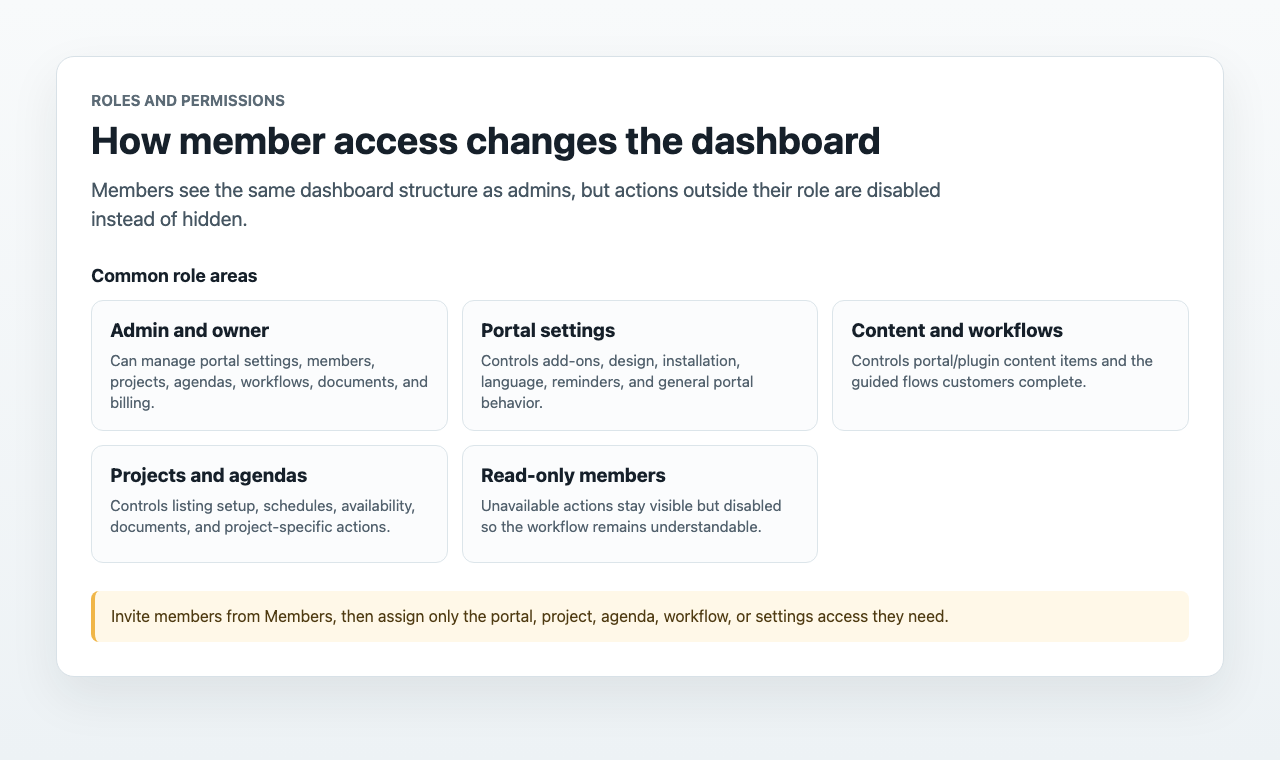
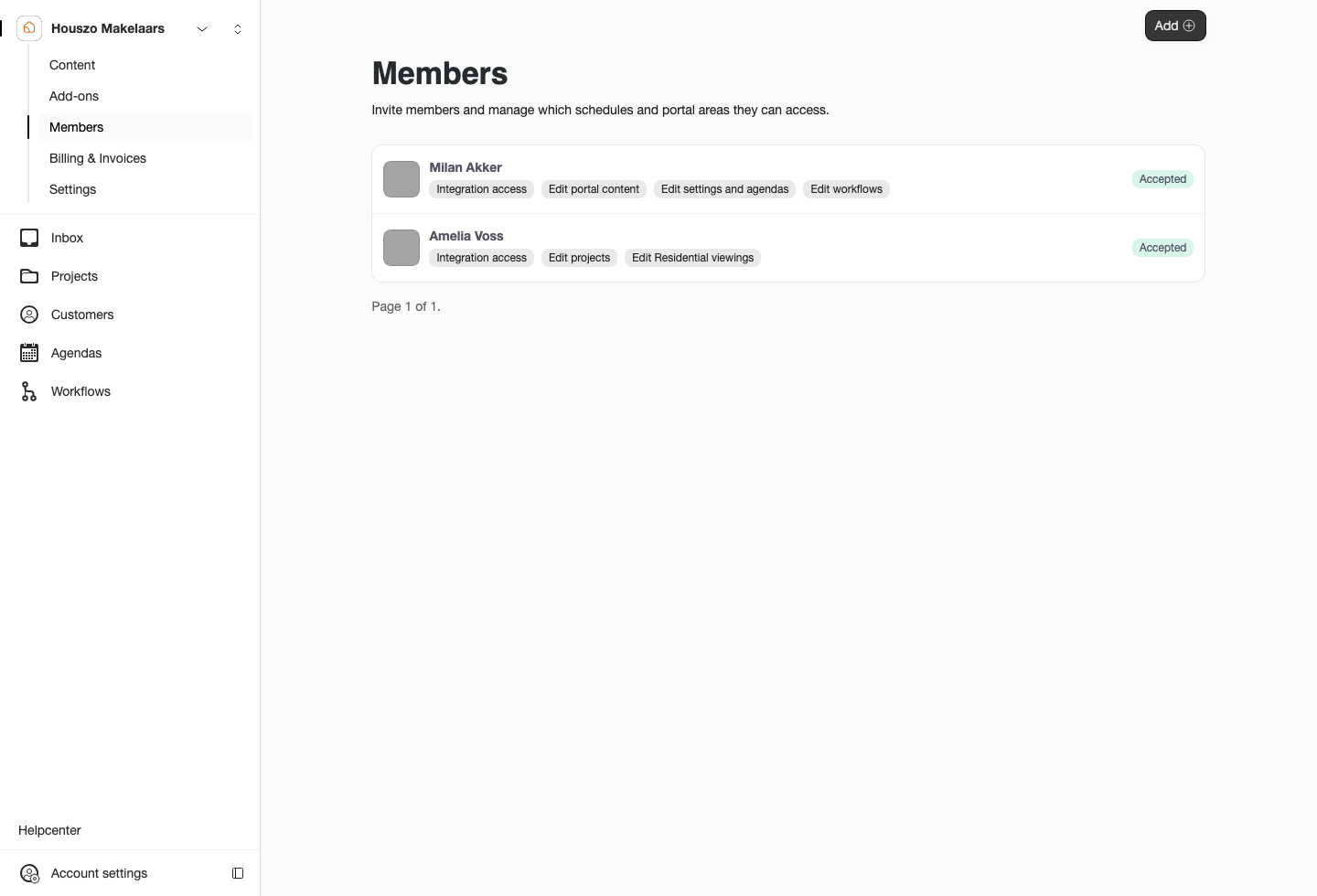
Use Members to invite teammates and assign only the access they need. Common role areas include portal access, portal content, portal settings, projects, agendas, workflows, documents, and billing.
For personal profile and session controls, use Account Settings. For shared portal access, stay on Members and role settings.
Disabled but Visible
When a member lacks permission, Sparki should keep expected actions visible and disabled. This helps the member understand the workflow and ask an admin for the right role, instead of assuming the feature does not exist.
Examples:
- A member without Edit portal content can view Content but cannot create or change content items.
- A member without Edit portal settings can view add-on settings in read-only mode.
- A member without Edit projects can view project documents while upload and delete actions are disabled.
- A member without Edit workflows can view or export workflows while settings and import actions are disabled.
Member Lifecycle
Admins can invite members, edit roles, and remove access. Members can accept the invitation from email and can leave the team themselves from the read-only Members page.