
Content
Build the customer-facing menu for portal and plugin actions.

Portal configuration
Content decides what customers can open from the portal and plugin.
Think of it as the public customer menu: featured listings, services, workflows, contact actions, and useful links should be easy to scan.
The Content page controls the items customers can open in the portal and plugin. A content item can be a project, collection, workflow, external link, ask-question action, WhatsApp action, or call action.
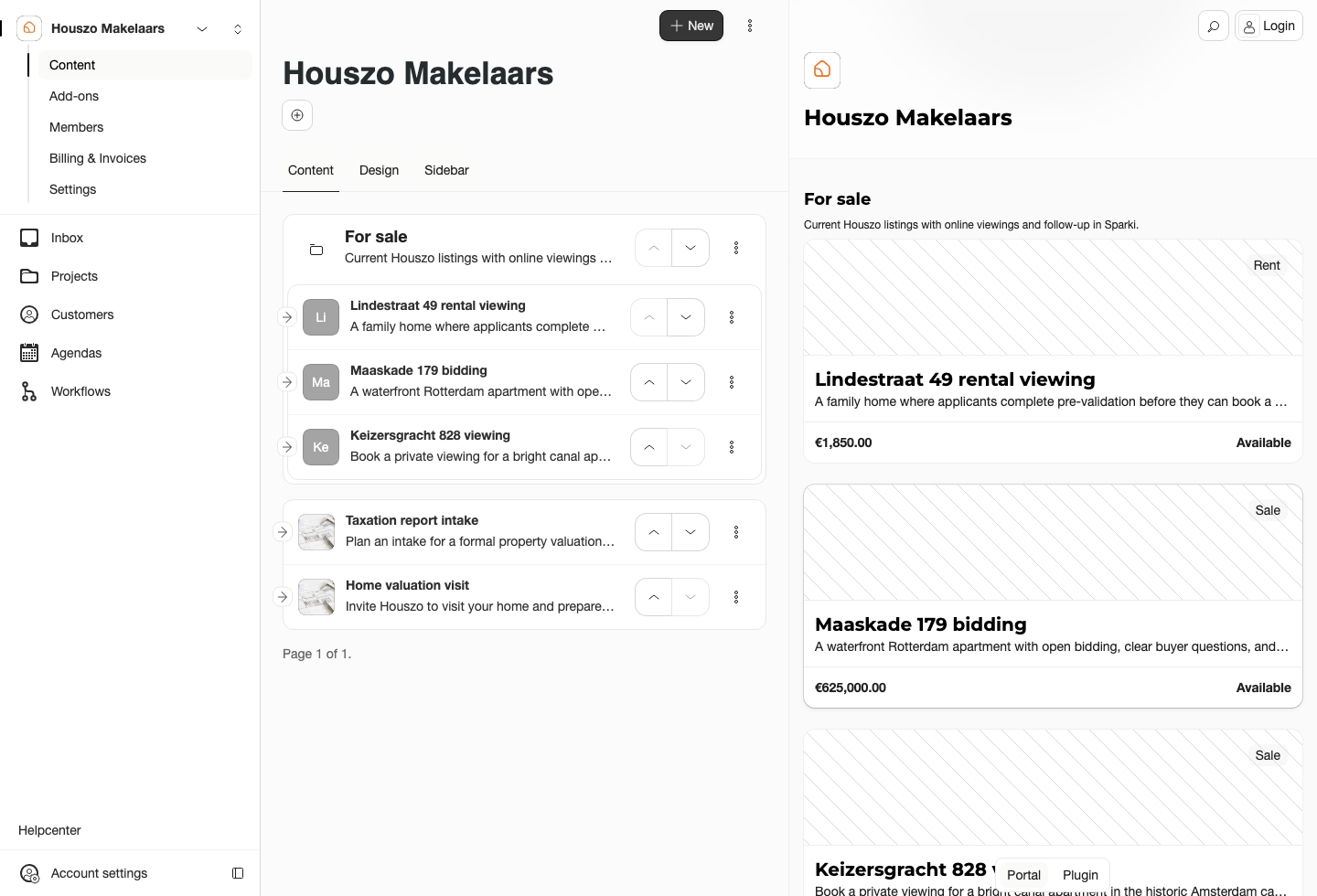
Content is the customer-facing menu. Each row should describe a real action a customer understands.
Common Content Items
 Project
Send customers to details, appointment booking, questions, or bidding for a listing or service.
 Workflow
Ask guided questions and route customers to the right next step.
 Contact action
Let customers ask a question, call, open WhatsApp, or follow an external URL.
When you edit a content item, choose what it should do. Some items can show project details, schedule an appointment, ask a question, open bidding, or start a workflow. For service-style projects, the available link behavior can differ from property listings.
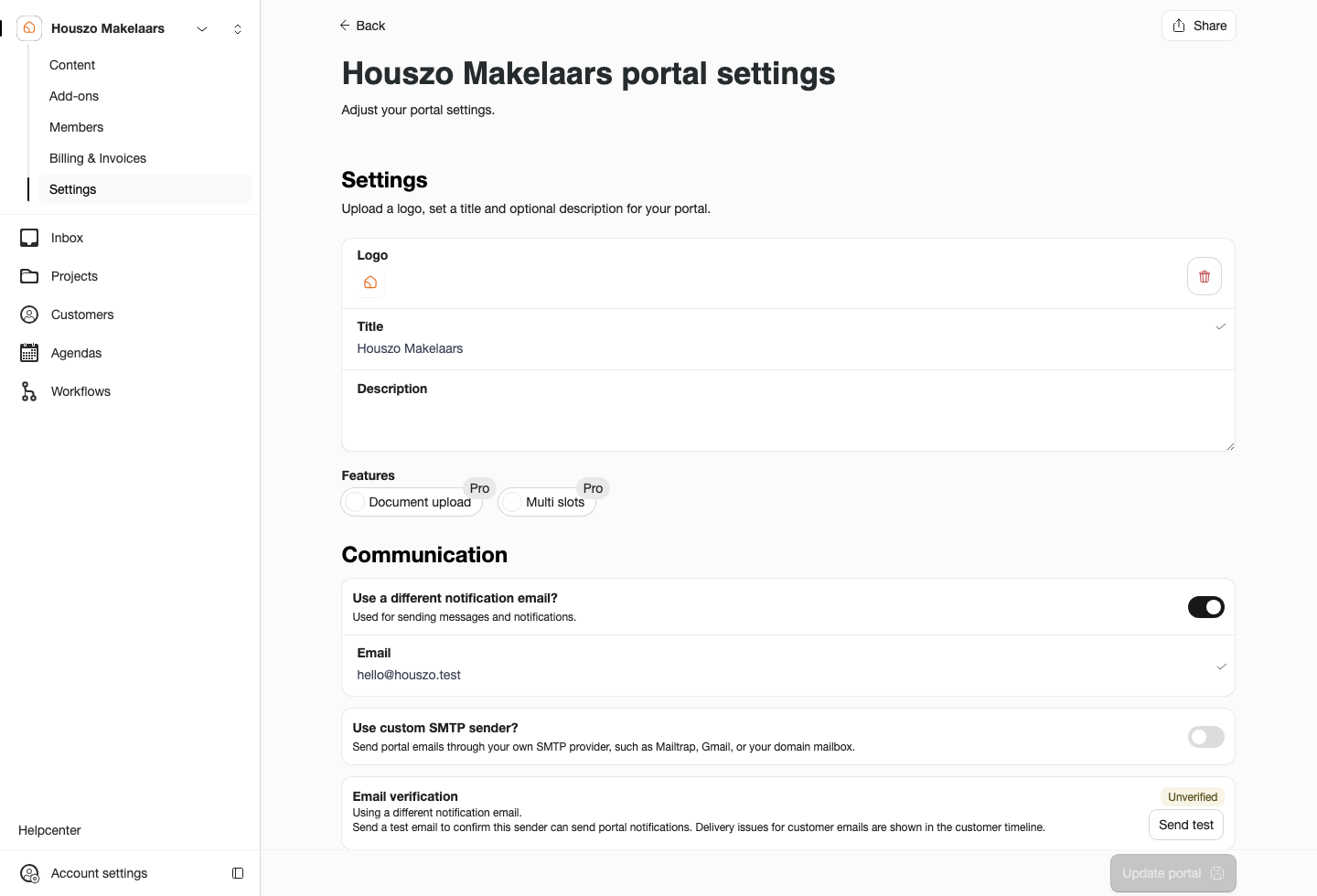
The content item settings decide which project or flow opens when the customer selects the item.
Recommended Setup
Start with the actions that matter most: featured listings, valuation requests, viewing appointments, contact options, and any qualification workflow. A shorter portal is usually easier for customers than a long menu of internal categories.
Entry Points for a Project
A project can be found in several ways. Add it to Content when it should appear in the portal or plugin menu. Add a website match rule when the plugin should open the right project action from a listing page. Use an in-page website button when the customer's next step should sit inside existing marketing content. Use the direct project link for Funda, email, campaigns, QR codes, or one-off sharing.
If a project should stay hidden, keep all four entry points closed: do not add it to portal content, do not match it to a website URL, do not connect a website button, and do not share the project link.
Plan and Role Notes
The Free plan allows one portal content item. Pro and Custom plans allow unlimited portal content. Collections and workflow content are Pro features.
Members need Edit portal and plugin content to change Content.